Webflow API: Features and Integrations
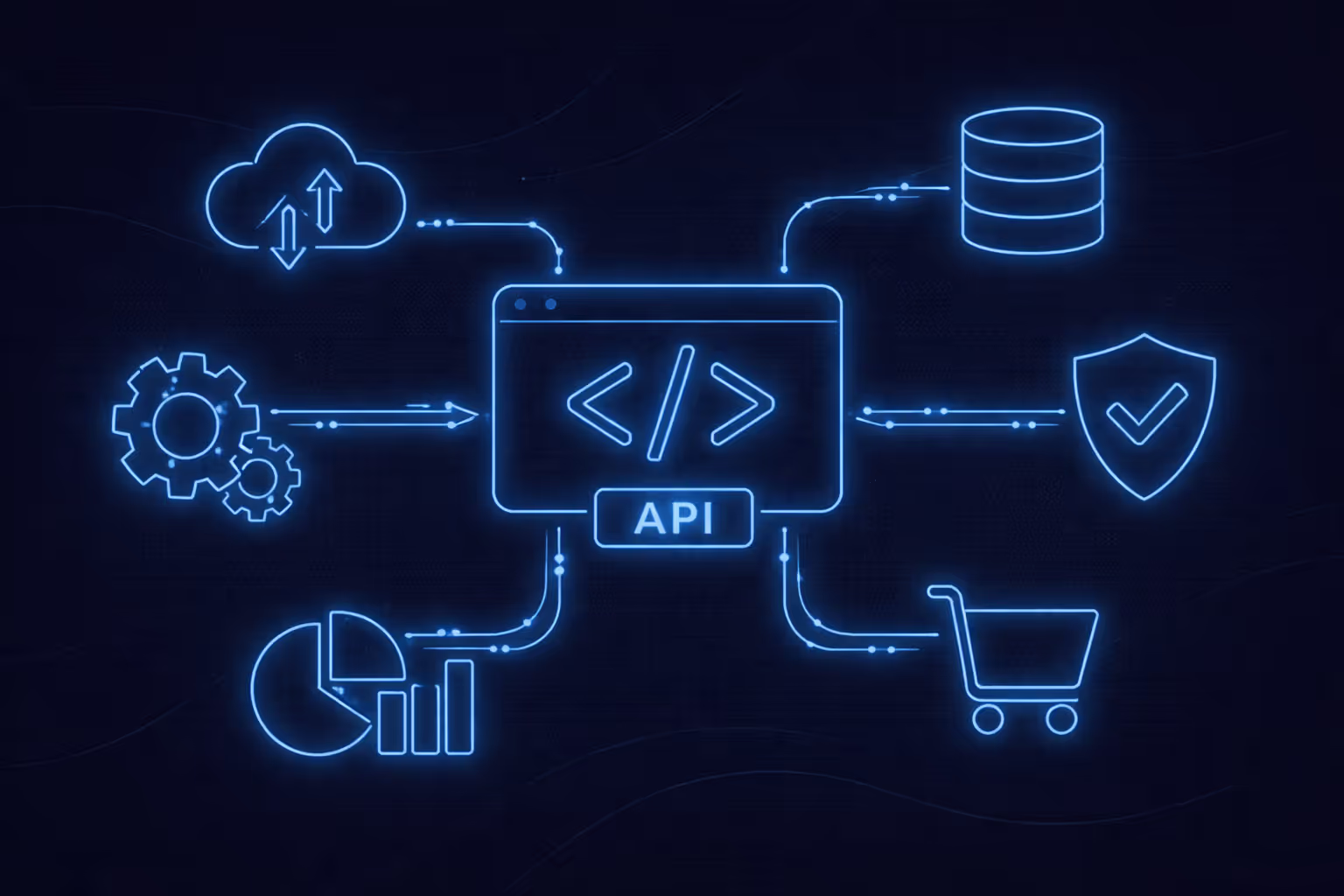
The Webflow API is a way to connect Webflow with other tools programmatically. Instead of manually updating content, exporting data, or copying form leads into another system, you can automate those workflows.
Webflow provides REST-style endpoints that allow developers to build integrations and apps that communicate with Webflow securely and at scale.You’ll also see this topic written in Ukrainian as: API Webflow.
1) Authentication (how you securely connect)
To use the Webflow REST API, you need a secure way to authenticate and allow your system to access a Webflow site or workspace. Webflow supports modern authorization flows that prevent sharing passwords or sensitive credentials.
In simple terms: your app gets permission to access data without exposing private login details.
2) Content management with the Webflow CMS API
The Webflow CMS API lets you manage structured content from external systems.
You can:
- Create CMS items (new blog posts, team members, locations, products)
- Update CMS items (prices, descriptions, availability, metadata)
- Delete CMS items (remove outdated or discontinued content)
- Publish or unpublish items automatically
Ukrainian SEO variant: CMS API Webflow
3) Webhooks (real-time updates)
Webhooks allow Webflow to notify your system when something happens, such as:
- A form is submitted
- A CMS item is created, updated, or published
- A site is published
Your system can then react instantly - for example, send data to a CRM, notify Slack, or trigger an automation.
Ukrainian keyword variant often used together: REST API Webflow
4) Bulk operations
The API supports bulk actions, which are useful for:
- Migrating large amounts of content
- Syncing external databases with Webflow
- Updating hundreds of CMS items at once
This makes large-scale updates fast and reliable.
1) Native integrations (marketplace apps)
These are official or partner-built integrations available inside Webflow. They are:
- Easy to install
- Maintained by trusted providers
- Good for common use cases (analytics, email, forms, marketing tools)
Best when you want a quick and stable solution.
Keywords: Webflow integrations, Інтеграції Webflow
2) No-code automation tools
Automation platforms connect Webflow to hundreds of tools without writing code.
Good for:
- Simple logic (“when X happens, do Y”)
- Fast setup
- Non-technical teams
Limitations: less flexibility and complex logic can become hard to manage.
3) Custom integrations
Custom integrations are built directly using the Webflow API.
Best when you need:
- Advanced business logic
- Two-way data sync
- Custom validation, enrichment, or processing
- Integration with internal or proprietary systems
This is where Webflow REST API, Webflow CMS API, API Webflow, and CMS API Webflow are used the most.
Step 1 - Define the goal
Example: “Send Webflow form submissions to our CRM and notify the sales team.”
Step 2 - Choose the integration method
Marketplace app, automation tool, or custom integration.
Step 3 - Map your data
Decide which Webflow fields match which fields in your external system.
Step 4 - Add webhooks
So your system receives updates in real time.
Step 5 - Test before going live
Use a staging site, test data, and confirm that nothing breaks or duplicates.
Content operations
- Generate content externally and push approved items into Webflow via Webflow CMS API
- Sync product catalogs or location lists automatically
Marketing and analytics
- Connect analytics, tracking, and marketing tools
- Automate tagging, segmentation, and reporting
Sales and CRM
- Send form leads into your CRM
- Enrich leads with external data
- Assign sales reps automatically
The Webflow API turns Webflow into a connected, automated platform rather than just a website builder. With the Webflow REST API, Webflow CMS API, and smart Webflow integrations, you can automate content, data flows, and marketing operations - saving time and reducing human error.

.avif)
